
How to Protect Your Personal Information Online
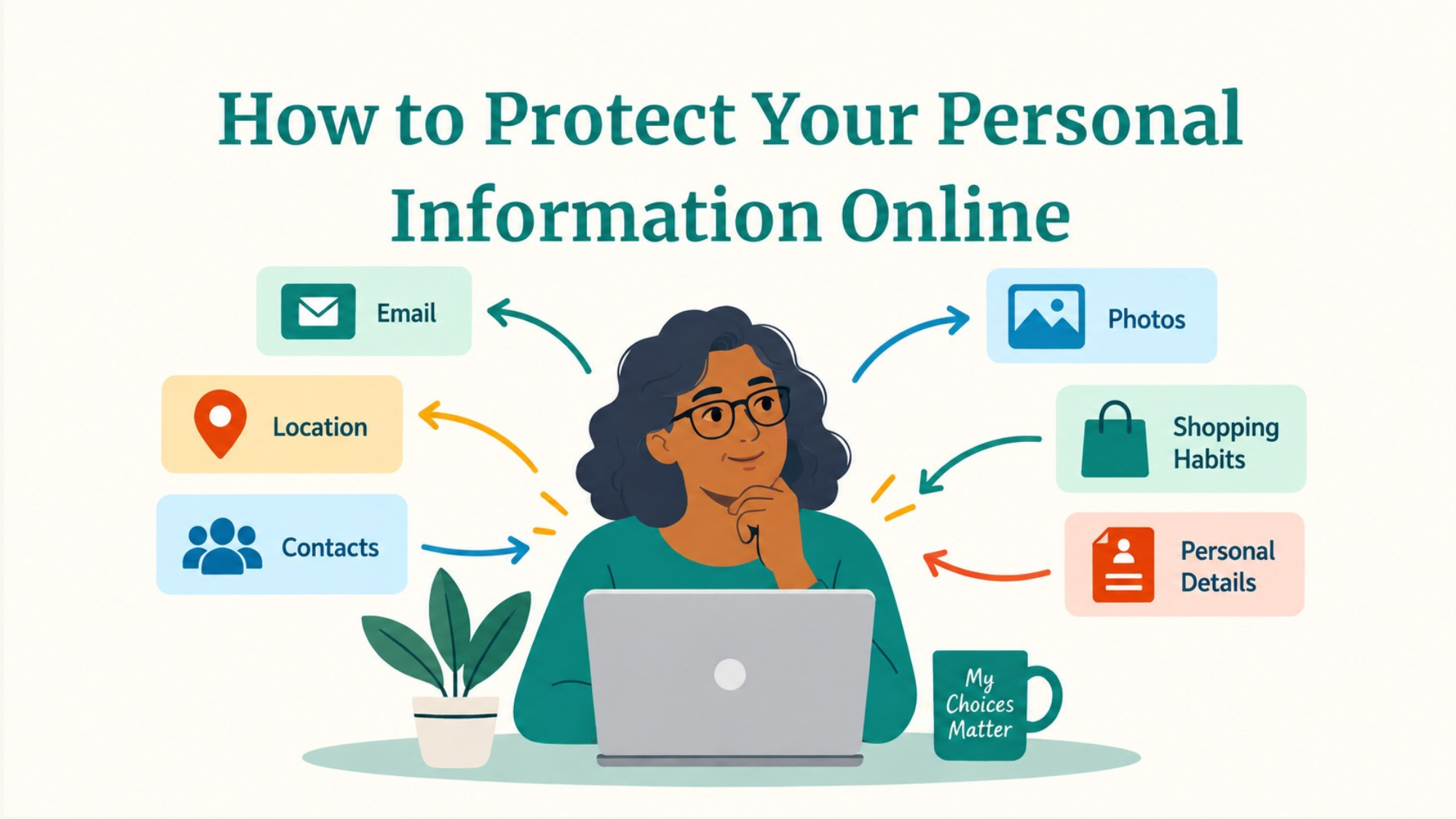
Every time you go online, you share information.
Sometimes you share it intentionally—like entering your address when you order something or giving an email address when you sign up for an account. Other times, information is collected quietly in the background, such as your approximate location, the type of device you're using, or which links you click.
That doesn't mean you need to stop using the internet—or spend every moment worrying about who knows what about you.
But it is worth knowing what information you're sharing, who you're sharing it with, and when you have a choice.
Protecting your personal information online isn't about becoming invisible. It's about being a little more intentional.
Start by Knowing What Counts as Personal Information
When we hear "personal information," we might immediately think of things like a Social Security number or bank account number. Those certainly deserve protection—but they're only part of the picture.
Personal information can also include:
Your full name
Home address
Phone number
Email address
Date of birth
Photos
Location
Workplace
Information about your family
Account usernames
Shopping or browsing habits
One piece of information might not seem particularly sensitive on its own. But several pieces together can tell someone quite a bit about you.
For example, a photo from your birthday dinner might reveal your birth date. A post about your new job could reveal where you work. A photo taken outside your house might include a street number in the background.
But social media is only one place where we share personal information online. You might also provide information when you create an account, fill out a form, download an app, shop online, or respond to a message.
Different situations call for different decisions. Let's look at a few common places where you may be asked to share personal information—and what you can consider in each one.
1. When You're Filling Out an Online Form or Creating an Account
When you sign up for an online account, join a rewards program, register for an event, or fill out another type of online form, you may be asked for quite a bit of personal information.
But that doesn't always mean every question is required.
Before entering personal information, ask yourself:
Why do they need this?
If you're signing up for an email newsletter, for example, they probably need your email address. But do they really need your birthday, phone number, or home address?
Look for fields marked optional, and consider leaving them blank. If you're creating an account, you can also consider whether information requested for your profile actually needs to be filled in.
A useful rule of thumb is:
If they don't need it, you don't have to give it.
2. When You're Posting on Social Media
Social media is a little different because you're usually choosing what to share rather than filling out a form.
Privacy settings can help you control who sees the things you post. Depending on the platform, you may be able to limit posts to friends, followers, specific groups, or just yourself.
But remember: privacy settings aren't a guarantee that something will stay private forever. Someone who can see your post may still take a screenshot, save a photo, or share it with someone else.
Before posting, it can help to ask:
Would I be comfortable if someone outside my intended audience eventually saw this?
That doesn't mean you should never share personal moments. It just gives you one more chance to decide what feels right to you.
3. When You Receive a Message Asking for Personal Information
Sometimes you aren't the one who starts the interaction. You might receive a text, email, phone call, or other message asking you to provide or confirm personal information.
This is a situation where it's especially important to slow down.
Scammers may pretend to be your bank, a delivery company, a government agency, a familiar business, or even someone you know. They may ask you to "verify" information such as your password, account number, Social Security number, or a security code sent to your phone.
Instead of using a link or phone number provided in an unexpected message, contact the organization another way. Open its official app, type the website address yourself, look at a statement or card you already have, or use a phone number you know is legitimate.
Before providing anything, ask:
Who is asking for this information—and how do I know they're really who they say they are?
4. When an App Asks for Permission to Access Your Information
Apps on your phone or tablet may ask for permission to access things like your:
Location
Camera
Microphone
Photos
Contacts
These requests are different from typing information into a form. You're deciding whether to let an app access information or features that are already on your device.
Sometimes that access makes sense. A map app needs your location to give you directions. A video-calling app needs access to your camera and microphone if you want people to see and hear you.
But a simple game probably doesn't need access to your contacts.
When a permission request appears, don't feel like you have to automatically choose Allow just because the app asks. Consider:
Does this app need access to this information for what I want it to do?
You can also review permissions later in your phone's Settings if you change your mind.
5. Protect Your Accounts, Too
Protecting your personal information also means making it harder for someone else to get into the accounts where that information is stored.
A few habits make a big difference:
Use a different password for each important account.
Make passwords long and difficult to guess.
Consider using a password manager.
Turn on two-step verification (also called two-factor authentication or 2FA) when it's available.
Never give someone a verification code just because they ask for it.
If one account is compromised, using different passwords helps prevent that problem from spreading to your other accounts.
6. Don't Forget About Information You Shared a Long Time Ago
Our online lives can stretch back years—or even decades.
An old social media account, unused shopping account, or forgotten app may still contain personal information.
Every so often, consider doing a little digital housekeeping.
You might:
Delete accounts you no longer use.
Remove old information from profiles.
Review your social media privacy settings.
Check which apps still have access to your accounts.
Remove saved payment information you no longer need stored.
You don't need to clean up your entire digital life in one afternoon. Even taking care of one forgotten account is progress.
Privacy Isn't All or Nothing
It can be easy to hear advice about online privacy and think, Well, I've already shared plenty of information online. What's the point now?
But privacy isn't something you either have or don't have.
Every choice you make can change how much information you're sharing and who has access to it.
Maybe you leave your birthday off a new account.
Maybe you tell an app it doesn't need your location.
Maybe you stop before answering an unexpected text asking you to "confirm" your information.
Maybe you finally delete an account you haven't used in five years.
Those small choices add up.
Build the Habit: Pause Before You Share
You don't need to memorize every privacy setting or understand every piece of technology you use.
Instead, try building one simple habit:
Pause before you share personal information.
Ask yourself:
What am I sharing?
Who am I sharing it with?
Why do they need it?
Do I have another choice?
Sometimes you'll decide that sharing the information makes perfect sense.
Other times, you might decide to leave a box blank, change a setting, close a message, or investigate a little further first.
Either way, you've made the decision instead of letting the internet make it for you.
And that's an important part of becoming more confident—and more resilient—online.
Keep Learning with Wright to Learn
Want to keep building your confidence online? From privacy and online safety to smartphones, artificial intelligence, media literacy, and more, Wright to Learn offers free classes through libraries and community organizations.
Take a look at our upcoming classes and find one you'd like to join.
